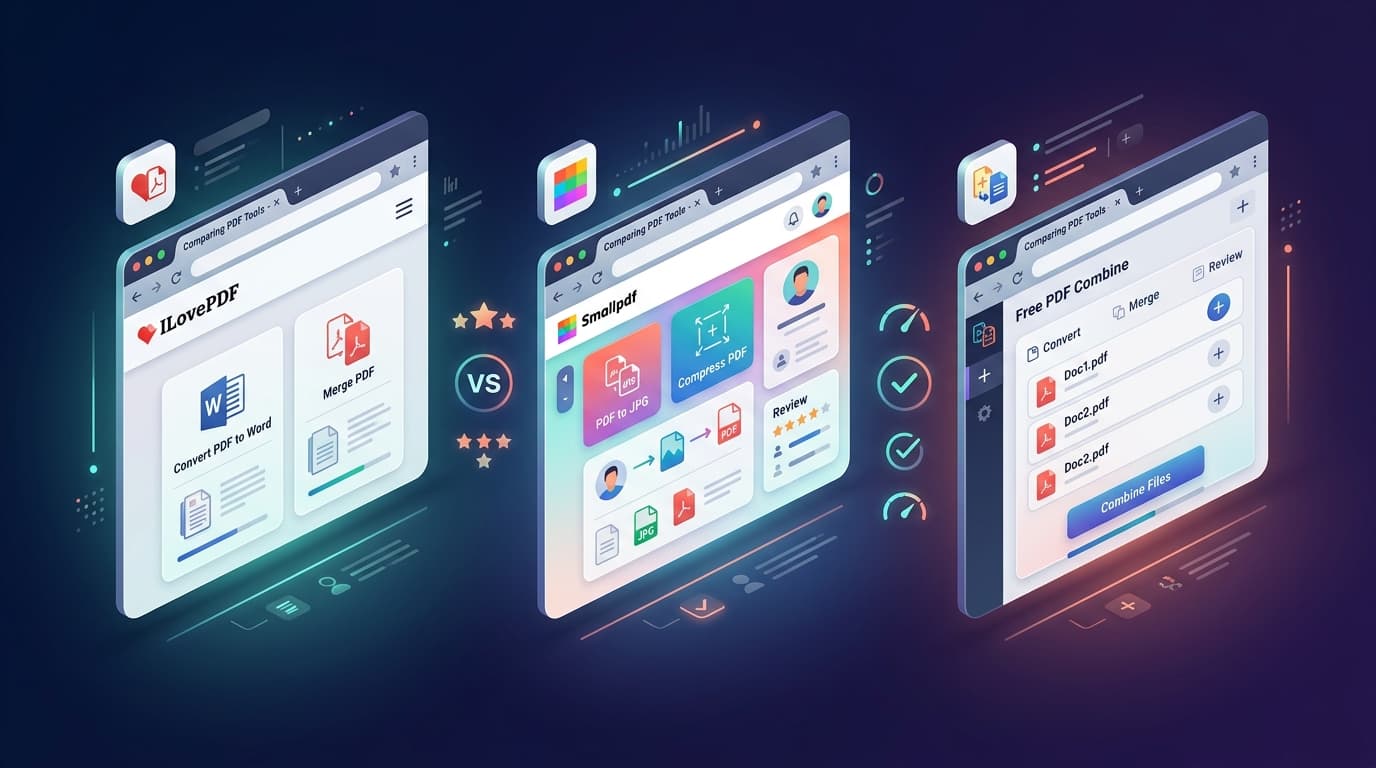
With dozens of online PDF tools vying for your attention, three names consistently top the search results: ILovePDF, Smallpdf, and Free PDF Combine. But which one actually delivers the best experience when you need to merge, split, compress, or convert PDFs — without paying, signing up, or risking your privacy? We ran a rigorous side-by-side comparison so you don't have to.
Why This Comparison Matters in 2026
PDF tools are not just utilities — they handle some of the most sensitive documents in your digital life: tax returns, legal contracts, medical records, student transcripts, and financial statements. Choosing the wrong tool can mean uploading confidential files to unknown servers, hitting frustrating daily limits mid-workflow, or discovering hidden charges after you've already started a task. This guide evaluates each tool on the criteria that actually matter to real users.
How We Tested
Our Testing Methodology
- Privacy Architecture: We analyzed where file processing occurs — client-side (in your browser) or server-side (uploaded to remote servers).
- Free Tier Limits: We tested how many files and operations each tool allows before requiring payment or registration.
- Processing Speed: We merged a standardized batch of 5 PDF files (total 42 pages, 18 MB) on each platform and measured completion time.
- Feature Breadth: We catalogued every tool available on each platform's free tier.
- User Experience: We evaluated interface design, mobile responsiveness, ad intrusiveness, and number of clicks to complete a merge.
- Signup Requirements: We checked whether registration is mandatory, optional, or not required at all.
Quick Verdict: The Comparison at a Glance
| Criteria | ILovePDF | Smallpdf | Free PDF Combine |
|---|---|---|---|
| File Processing | Server-side | Server-side | 100% Client-side |
| Signup Required? | Optional (limits without) | Yes (after 2 free tasks/day) | Never |
| Daily Free Limit | Limited batch + file size caps | 2 tasks/day | Unlimited |
| Merge Speed (5 files, 18 MB) | ~8 seconds | ~12 seconds | ~2 seconds |
| Works Offline? | No | No | Yes (PWA) |
| Ads on Free Tier? | Yes | Minimal | Minimal |
| Free Tools Count | 25+ | 20+ | 8 |
| Pro Plan Price | $7/mo | $12/mo | Free forever |
ILovePDF: The Feature-Rich Veteran
ILovePDF launched in 2010 and has grown into one of the most recognized names in the online PDF space. It offers an enormous catalog of 25+ tools covering merge, split, compress, convert (Word, Excel, PowerPoint, JPG), watermark, sign, repair, and more. The interface is clean and colorful, with clear icons for each tool.
ILovePDF Strengths
- Massive tool collection — virtually every PDF operation imaginable is covered.
- Desktop apps available for Windows and macOS for offline use.
- Team and business plans with collaboration features.
- API access for developers integrating PDF workflows.
ILovePDF Weaknesses
- Server-side processing: All files are uploaded to ILovePDF's servers for processing. Their privacy policy states files are deleted after 2 hours, but your data does leave your device.
- Batch and file size limits: Free tier restricts the number of files per batch operation and caps file sizes.
- Ads and upsells: Free users see display ads and frequent upgrade prompts throughout the workflow.
- Slower for simple tasks: Upload → process → download adds latency compared to local processing.
Smallpdf: The Polished Newcomer
Smallpdf is known for its exceptionally clean, minimalist interface. Founded in Switzerland in 2013, it positions itself as the premium option with a focus on design and ease of use. The platform offers 20+ tools with smooth drag-and-drop interactions and integrations with Google Drive and Dropbox.
Smallpdf Strengths
- Beautiful, intuitive interface that's easy to navigate.
- Cloud storage integrations (Google Drive, Dropbox) built in.
- eSign feature included in Pro plan.
- Swiss-based with GDPR compliance and ISO 27001 certification.
Smallpdf Weaknesses
- Aggressive daily limit: Only 2 free tasks per day. After that, you must sign up and subscribe ($12/month).
- Server-side processing: Files are uploaded to Smallpdf's cloud servers for all operations.
- Most expensive option: At $12/month (or $9/month billed annually), it's the priciest tool in this comparison.
- No offline capability: Completely dependent on an active internet connection.
Free PDF Combine: The Privacy-First Challenger
Free PDF Combine takes a fundamentally different approach: every operation — merge, split, compress, convert, rotate, protect, and OCR — runs entirely inside your browser using client-side JavaScript and WebAssembly. Your files never leave your device, there are no daily limits, no signup walls, and the core toolset is completely free with no premium tier required.
Free PDF Combine Strengths
- True zero-upload architecture: Files are processed in your browser's local memory. Nothing is ever transmitted to any server.
- No signup, no account, no email: Open the tool, use it, download your file. Done.
- Unlimited usage: No daily task caps, no file size restrictions, no batch limits.
- Blazing fast: No upload/download latency — processing happens at native speed in your browser.
- Works offline: Progressive Web App can be installed and used without internet.
- 8 essential tools: Merge, Split, Compress, PDF to Image, Image to PDF, Rotate, Protect, and OCR.
Free PDF Combine Limitations
- Smaller tool catalog: 8 tools vs. 20-25 on ILovePDF and Smallpdf. Niche tools like PDF repair, redaction, or eSign are not yet available.
- No cloud integrations: You can't pull files directly from Google Drive or Dropbox (you download them first, then process locally).
- Browser-dependent performance: Very large files (100+ MB) may be slower on low-RAM devices since everything runs in browser memory.
Deep Dive: Privacy & Security Comparison
This is the single most important differentiator. When you upload a PDF to ILovePDF or Smallpdf, your file travels across the internet to their cloud servers, gets processed, and then travels back. Even if the companies delete files after a few hours, your data has been exposed to network transit, server RAM, and potentially disk storage.
Free PDF Combine eliminates this risk entirely. Because processing uses pdf-lib (JavaScript) and Tesseract.js (WebAssembly) running inside your browser tab, your file bytes never leave your device. This makes it the only option in this comparison that is truly compliant with strict data handling requirements — ideal for HIPAA-sensitive medical records, attorney-client privileged documents, and classified corporate materials.
Which Tool Should You Choose?
Choose ILovePDF if...
You need niche PDF tools (repair, redact, page numbering, flatten forms) that go beyond the core merge/split/compress workflow, and you're comfortable with server-side file processing. Power users who need the desktop app and API access will also benefit.
Choose Smallpdf if...
You value a premium, beautifully designed interface and need cloud storage integrations (Google Drive, Dropbox). Budget is not a concern, and you're okay with the $12/month subscription after exhausting 2 daily free tasks.
Choose Free PDF Combine if...
Privacy is non-negotiable, you refuse to create yet another account, you need unlimited free usage without paywalls, and your primary tasks are merge, split, compress, convert, rotate, protect, or OCR. This is the best choice for students, freelancers, legal professionals, healthcare workers, and anyone processing sensitive documents.
Frequently Asked Questions
Is ILovePDF really free?
ILovePDF offers a generous free tier, but it comes with file size limits, batch restrictions, and display ads. For unlimited usage, you need the Premium plan at $7/month.
Why is Smallpdf so expensive?
Smallpdf positions itself as a premium brand with Swiss data centers, eSign capabilities, and team collaboration features. The $12/month price reflects server infrastructure costs and their premium positioning. For most individual users doing basic PDF tasks, this cost is unnecessary.
Can Free PDF Combine handle large files?
Yes. Since processing happens in your browser, performance depends on your device's RAM and CPU. Modern laptops and phones handle files up to 50-100 MB with ease. For extremely large files (200+ MB), a desktop with 8+ GB RAM is recommended.
Which tool is safest for confidential documents?
Free PDF Combine is the only tool in this comparison where your files never leave your device. For legal, medical, financial, or classified documents, client-side processing is the gold standard for data safety.
Do any of these tools work offline?
Only Free PDF Combineworks offline as a Progressive Web App. ILovePDF offers desktop software (separate download required), but both ILovePDF's web version and Smallpdf require an active internet connection.
Final Verdict
All three tools are competent PDF processors, but they serve different priorities. ILovePDF wins on feature breadth with 25+ tools. Smallpdf wins on design polish and cloud integrations. But Free PDF Combine wins on the three things that matter most to most users: privacy (zero uploads), cost (completely free), and speed (instant local processing).
If you're merging a few PDFs for a school assignment, combining tax documents for your accountant, or assembling a client proposal, Free PDF Combine does everything you need — in 2 seconds, with zero risk to your data.
Try it now: Open our Merge PDF tool and combine your first set of files in under 3 seconds — no signup, no upload, no nonsense.