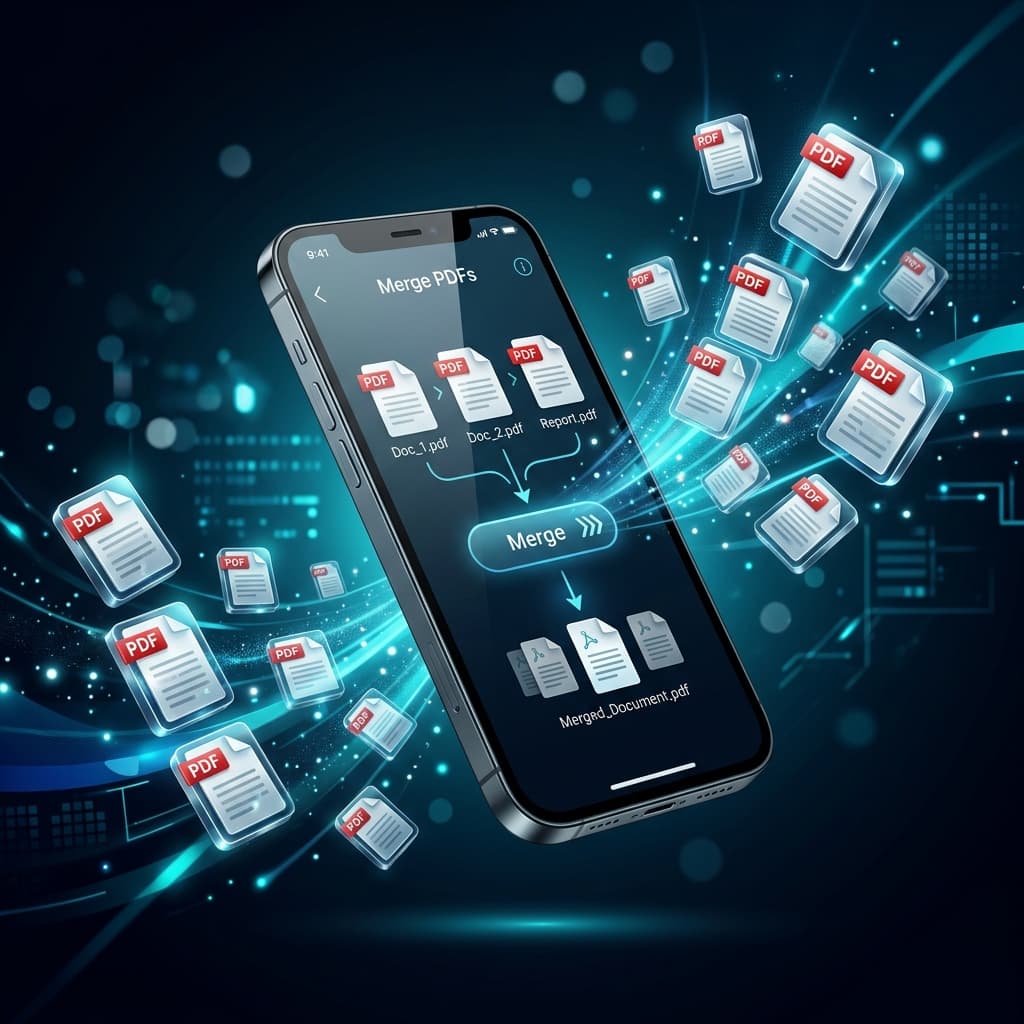
Need to combine PDF documents on your iPhone or iPad on the go? You don't need to install sketchy, ad-filled App Store apps or pay monthly subscriptions. Discover how to combine PDFs on iOS using Apple's built-in Files app, Safari browser tools, and the Shortcuts app.
Method 1: Apple Files App (Built-in iOS Quick Action)
iOS includes a native "Create PDF" quick action directly inside the Files app:
- Open the Files app on your iPhone or iPad.
- Navigate to the folder containing your PDF files.
- Tap the More button (...) in the top right corner → tap Select.
- Tap the PDF files in the exact order you want them merged.
- Tap the More button (...) in the bottom right corner → tap Create PDF.
Method 2: Free PDF Combine in Safari (Zero App Install)
If you need visual drag-and-drop page reordering, page deletion, or to combine files from different cloud folders (Google Drive + Dropbox + Local Storage):
Browser Merging on Mobile:
- Open Safari and go to freepdfcombine.com/tools/merge-pdf.
- Tap Choose Files → select files from your device or cloud storage.
- Drag and drop cards with your finger to arrange the page order.
- Tap Merge PDF → tap Download.
Frequently Asked Questions
Where do downloaded PDFs go on iPhone?
Downloaded PDFs are saved to your Files app → Downloads folder.