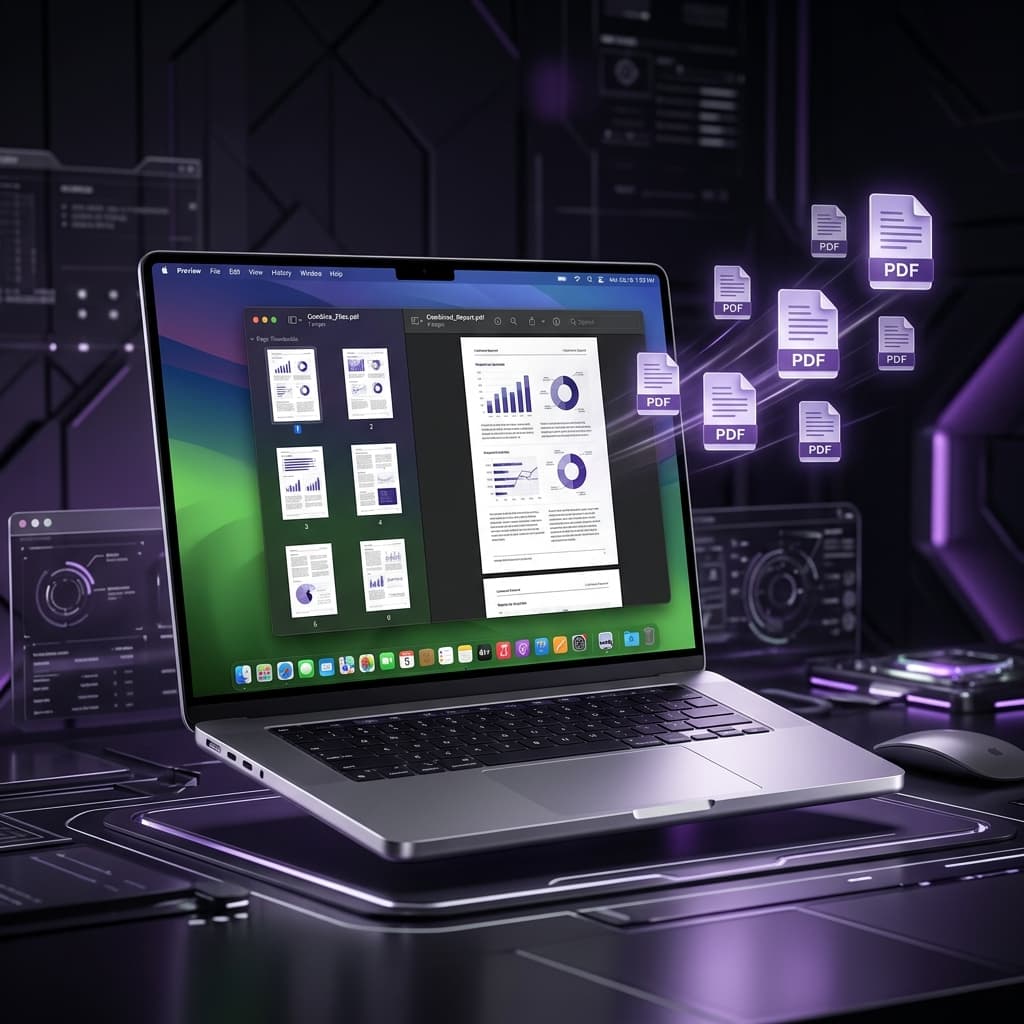
Mac users have a secret weapon: Apple Preview. It's completely free, pre-installed, and powerful enough to merge, split, and organize PDFs without paying a single cent.
Method 1: Using Preview (The Mac Way)
Preview is macOS's built-in PDF viewer and it has a hidden superpower: it can merge PDFs with drag-and-drop simplicity.
- Step 1: Open your first PDF in Preview by double-clicking it.
- Step 2: Go to View → Thumbnails to show the sidebar panel.
- Step 3: Open Finder in a separate window and locate your other PDF files.
- Step 4: Drag and drop the additional PDFs from Finder into the Preview sidebar. Drop them between existing pages to control exact positioning.
- Step 5: Once all pages are in the right order, go to File → Export as PDF and save the merged document. Do NOT use File → Save or you'll overwrite your original.
✅ Pro Tip: You can also drag individual page thumbnails from one PDF to another in Preview to cherry-pick specific pages instead of merging entire files.
Method 2: Finder Quick Actions (Fastest Method)
For a no-fuss, two-second merge of entire PDF files:
- Step 1: Open Finder and navigate to your PDFs.
- Step 2: Hold ⌘ Command and click each PDF to select multiple files.
- Step 3: Right-click any selected file and choose Quick Actions → Create PDF.
The merged PDF is saved in the same folder. Note: this merges in alphabetical order, so rename your files if order matters.
Method 3: Browser-Based Tool (Best for Complex Merges)
If you need to reorder pages from multiple PDFs or you're on any Mac (even older macOS versions), use Free PDF Combine in your browser. It runs entirely in Safari or Chrome — your files never leave your Mac.
Method 4: Automator (For Power Users)
macOS Automator has a "Combine PDF Pages" action that lets you create a custom workflow. This is great if you regularly merge the same types of documents. Search for "Combine PDF Pages" in Automator's action library to get started.
Comparison of Mac PDF Merge Methods
| Method | Speed | Page Control | Privacy |
|---|---|---|---|
| Preview | Medium | Full | ✅ Local |
| Finder Quick Actions | Fast | Alphabetical only | ✅ Local |
| Free PDF Combine | Fast | Full (drag & drop) | ✅ Local |
| Automator | Slow (setup) | Batch automation | ✅ Local |