Free PDF Combine LogoFree PDF Combine
Back to Articles
Guides

How to Reduce PDF File Size Without Losing Quality

By Free PDF Combine Team May 11, 2026 6 min read
How to Reduce PDF File Size Without Losing Quality

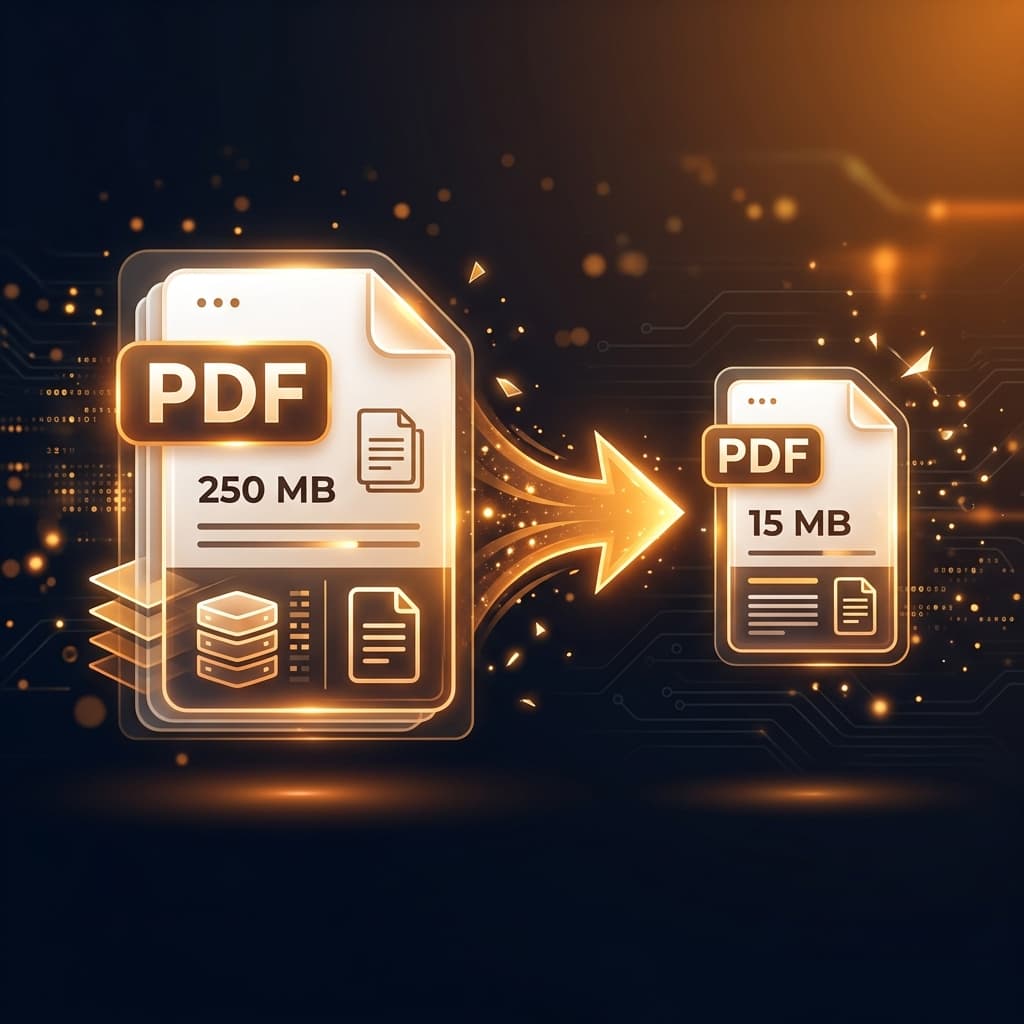
A PDF that's too large to email is the digital equivalent of a door that won't fit through a doorway. Here's how to fix it — for free, without sacrificing quality.

Why Are PDFs So Large?

PDF file size bloat comes from several sources:

  • High-resolution images: The most common cause. A scanned document can easily exceed 10MB per page.
  • Embedded fonts: PDFs that embed entire font libraries add unnecessary bulk.
  • Metadata and revision history: Documents saved by Word or design software often carry hidden revision data.
  • Color vs. grayscale: Full-color pages are significantly larger than grayscale equivalents.

Method 1: Free PDF Combine (Browser-Based, Zero Upload)

Our Compress PDF tool optimizes your document's internal structure — removing redundant metadata and compressing efficiently — all within your browser.

  1. Step 1: Visit freepdfcombine.com/tools/compress-pdf.
  2. Step 2: Drag your large PDF into the tool.
  3. Step 3: Click Compress and download your optimized file. No signup, no upload.

Method 2: Reduce Image Quality at Export

If your PDF was created from a Word document or presentation, re-export it with lower image quality settings. In Microsoft Word: File → Export → Create PDF/XPS → Options → Picture Quality → Lower resolution.

Method 3: Adobe Acrobat (Paid — Most Effective)

For maximum compression, Adobe Acrobat Pro's "Reduce File Size" and "Optimize PDF" tools are the industry gold standard. However, these require a paid subscription ($19.99/month). For most users, free browser tools are sufficient.

Method 4: Convert to Grayscale

If your document doesn't need color, converting to grayscale can reduce file size by 30–60%. Print the PDF to a "Grayscale PDF" printer (available on Mac through ColorSync). This is especially useful for text-heavy documents.

How Much Compression Can You Expect?

Document TypeTypical Reduction
Text-only documents10–30%
Mixed text + images30–60%
Scanned documents50–80%
High-res photo PDFs60–90%

FAQ: Compress PDF

Will compressing a PDF damage the text? No. Text is vector-based in PDF and is not affected by compression. Only image quality may be slightly reduced at higher compression ratios.

What's the email attachment limit? Gmail and Outlook both have a 25MB attachment limit. Most compressed PDFs easily fit within this limit.

Categories:Guides