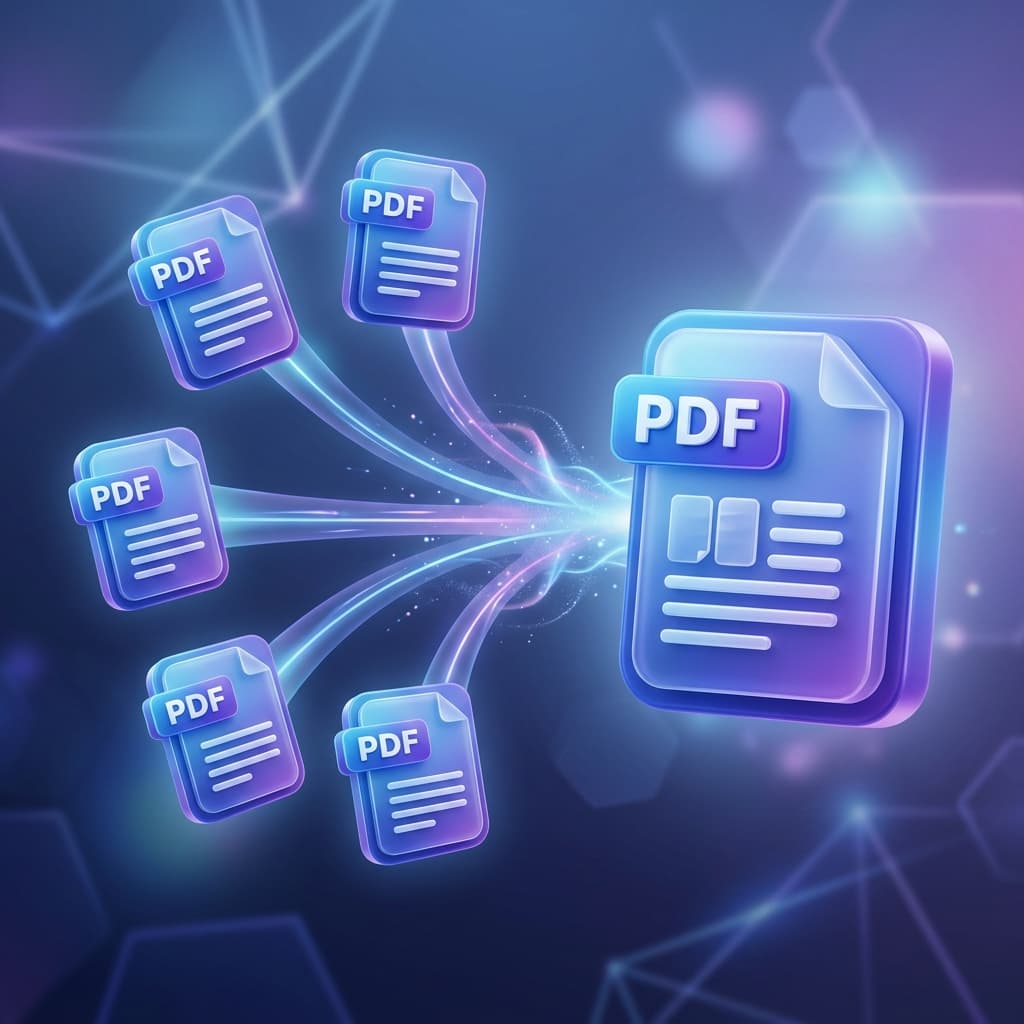
Merging large multi-chapter manuals, legal briefs, or corporate portfolios often results in a frustrating problem: all original bookmarks, clickable table of contents (TOC), and document outlines vanish. Discover why standard mergers destroy outlines and how to preserve interactive bookmarks when combining PDFs.
Why Do Most Online PDF Mergers Strip Bookmarks?
Inside a PDF file, bookmarks and internal links are stored in an internal dictionary tree structure called the /Outlines and /Dest hierarchies.
- Page Number Pointer Corruption: When Document B (which has 20 pages) is appended to Document A (which has 50 pages), all bookmark destination references in Document B must be recalculated with a +50 page index offset.
- Dictionary Flattening: Cheap or basic PDF joining libraries simply extract the raw page content streams and discard the metadata and outline trees entirely to save processing overhead.
How Free PDF Combine Preserves Outline Integrity
Our client-side engine uses PDF-Lib structured stream preservation to retain document outline nodes:
Step-by-Step Process:
- Open Free PDF Combine.
- Add your primary document along with all supplementary chapters.
- Arrange the documents in your desired master sequence.
- Click Merge PDF Files. The resulting PDF keeps outline trees indexed to their proper recalculated page destinations.
Frequently Asked Questions
Will merged bookmarks work in Adobe Acrobat Reader and browser viewers?
Yes. Preserved standard outline trees comply fully with ISO 32000 PDF standards and will appear in the Bookmarks side navigation panel of Acrobat Reader, Apple Preview, Google Chrome, and Edge.